
Captive Portal Gateway vs Cloud Captive Portal
Captive Portal Buying Guide & Comparison
When a business wants to add guest WiFi with a login page, vouchers, access rules, and analytics, there are usually two main approaches: a captive portal gateway installed inside the network, or a cloud captive portal platform connected to access points or cloud controllers. Both can work, but they are not the same. The right choice depends on how much control the business wants, what equipment is already installed, whether subscriptions are acceptable, and how important local operation is for the guest WiFi network.
Quick Answer
A captive portal gateway is usually the better choice when a business wants local control, compatibility with existing access points, guest network separation, vouchers, and captive portal features without being fully dependent on a cloud-only platform.
A cloud captive portal can be useful when a business wants centralized management, multi-site visibility, remote configuration, and reporting across many locations. However, cloud platforms often depend on subscriptions, supported hardware ecosystems, and an active cloud connection for management.
For many hotels, cafés, campsites, venues, and managed guest WiFi projects, the best approach is often a gateway-based system with optional cloud services when needed.
What Is a Captive Portal Gateway?
A captive portal gateway is a device placed between the internet connection and the guest WiFi network. It becomes the control point for guest access. Access points still provide the wireless signal, but the gateway handles the login page, authentication, vouchers, session rules, bandwidth limits, and guest traffic control.
In a simple setup, the network looks like this:
- Internet router or modem
- Captive portal gateway
- Switch and access points
- Guest devices
This model is practical because the business does not always need to replace its access points. If the wireless coverage already works, the captive portal gateway can be added as the guest access layer.
What Is a Cloud Captive Portal?
A cloud captive portal is usually managed through an online dashboard. The login page, guest access settings, analytics, and authentication options are configured from the cloud. In many cases, the system is connected to specific access points, cloud controllers, or a supported hardware ecosystem.
This can be convenient, especially for companies managing many sites. The operator can log in from anywhere, change portal settings, review reports, and manage multiple locations from one account.
The trade-off is that the business may become more dependent on the cloud provider, the subscription model, and the supported hardware list. If the platform requires a monthly license per access point, per location, or per feature, costs can grow over time.
The Main Difference
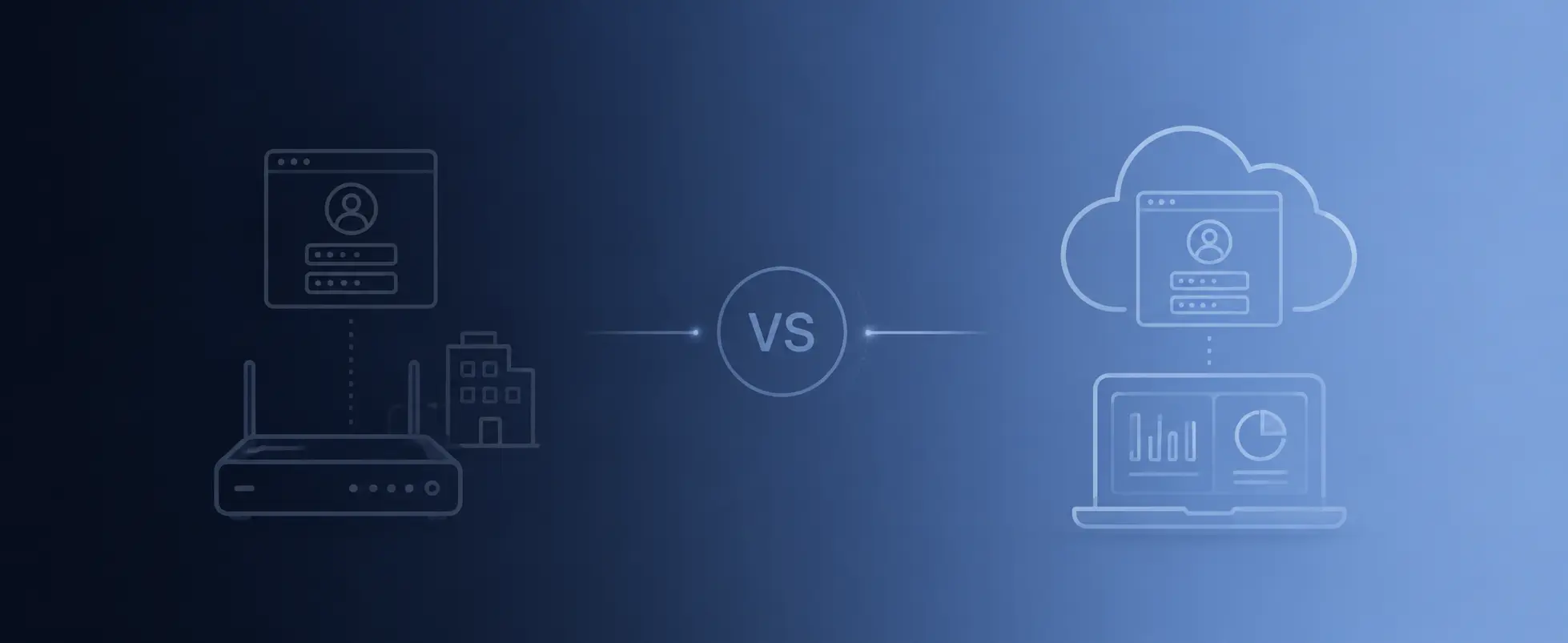
The main difference is where the guest WiFi control lives. A captive portal gateway keeps the control point closer to the local network. A cloud captive portal moves more of the configuration and management into an online platform.
Control Point
Captive portal gateway: The main control point is inside the local network.
Cloud captive portal: The main control point is usually a cloud dashboard or cloud controller.
Access Point Compatibility
Captive portal gateway: Often works with existing access points and mixed AP brands.
Cloud captive portal: Often depends on supported access point brands or a specific hardware ecosystem.
Basic Operation
Captive portal gateway: Core guest WiFi features can run locally from the gateway.
Cloud captive portal: Management usually depends more on cloud services and cloud availability.
Subscription Model
Captive portal gateway: Can be hardware-based with optional cloud services.
Cloud captive portal: Often uses recurring subscriptions for access, features, reporting, or device management.
Best Fit
Captive portal gateway: Hotels, venues, cafés, campsites, local deployments, and flexible AP environments.
Cloud captive portal: Large multi-site deployments where centralized cloud management is the main priority.
Flexibility
Captive portal gateway: Usually offers higher flexibility across different access point brands.
Cloud captive portal: Flexibility depends on the platform, supported hardware, and subscription model.
Neither model is automatically wrong. The question is which model fits the business better.
When a Captive Portal Gateway Makes More Sense
A gateway-based solution makes sense when the business wants to keep more control inside its own network. This is common in hospitality, small and medium businesses, venues, public WiFi projects, and locations where existing access points are already installed.
A captive portal gateway is usually a strong fit when:
- The business already has access points and does not want to replace them
- The operator wants guest access control at the network gateway level
- The venue needs vouchers, time limits, speed limits, or paid access
- The business wants branded login pages without changing the whole WiFi system
- The network should keep working locally for core guest access features
- The business wants to avoid mandatory monthly subscriptions for basic operation
- The installer manages different access point brands across different projects
For example, a hotel may already have good WiFi coverage with existing access points. The problem is not the signal. The problem is the guest login experience, vouchers, PMS access, or guest network control. In that case, replacing all access points may be unnecessary. Adding a captive portal gateway can be a cleaner solution.
When a Cloud Captive Portal Makes More Sense
A cloud captive portal can be a good fit when centralized management is the top priority. This is especially true for organizations that manage many locations and want one online dashboard for configuration, reporting, and remote changes.
A cloud captive portal may make sense when:
- The business manages many locations from one central team
- The company already uses a supported cloud-managed access point ecosystem
- Remote dashboards and reports are more important than local independence
- The business accepts recurring subscription costs
- The network design is standardized across all locations
- The operator prefers cloud-first management over gateway-level control
For example, a retail chain with hundreds of stores may prefer one centralized system, especially if every store uses the same access point brand and the company already has a cloud management process.
Subscription Costs and Long-Term Ownership
This is where many businesses need to be careful. A cloud captive portal may look affordable at the beginning, but the long-term cost depends on the subscription model. Some platforms charge per access point, per location, per guest, per feature, or per month.
A gateway-based captive portal can be more predictable when the business prefers a hardware purchase and local operation. Optional cloud services can still be useful, but the business is not always forced to pay monthly fees just to keep basic guest WiFi running.
Before choosing a solution, ask these questions:
- Is the subscription required for basic captive portal operation?
- Is the price per access point, per site, per device, or per feature?
- What happens if the subscription is cancelled?
- Can the guest WiFi still operate locally?
- Will costs increase as the network grows?
- Are important features locked behind higher plans?
The cheapest option on day one is not always the cheapest option after three years.
Existing Access Points and Vendor Lock-In
Many businesses already have working access points. A hotel may use UniFi, Aruba, TP-Link Omada, Ruckus, MikroTik, or another WiFi system. A venue may even have a mix of equipment from different projects or different installers.
A gateway-based captive portal is useful because it can separate the WiFi coverage layer from the guest access layer. The access points handle the signal. The gateway handles login, vouchers, rules, and guest access.
This matters because replacing access points can be expensive, disruptive, and unnecessary when coverage is already good.
A business should be careful with any solution that says, directly or indirectly, “replace your WiFi hardware first, then you can use our captive portal.” Sometimes that is acceptable. Many times, it is not needed.
Local Control and Reliability
Guest WiFi is a live service. When guests arrive at a hotel, café, marina, or event, the login page needs to work. The operator should not feel that basic access is completely outside their control.
A local gateway can keep the core guest WiFi logic inside the venue. This can include login rules, vouchers, sessions, access limits, and guest traffic handling. Cloud tools can still be added for remote access, reporting, licensing, or advanced services, but the local gateway remains the main control point.
This is especially important in locations where the internet connection may be unstable, expensive, or remote. If the site is a vessel, campsite, island property, rural venue, or temporary event, local control can be a real advantage.
Security and Guest Isolation
Security is not only about the login page. A guest WiFi system should also separate visitors from internal business systems. Guests should not reach office computers, payment terminals, printers, cameras, admin panels, or staff devices.
A captive portal gateway can help enforce separation at the network level. It can apply guest rules, firewall policies, session control, and traffic handling between the public guest network and the private business network.
When comparing gateway and cloud options, check where the actual security control happens. A nice cloud dashboard is useful, but the real network design still matters.
Important questions:
- Where is guest traffic controlled?
- Can guests reach the admin interface?
- Can guests see internal business devices?
- Are guest and staff networks separated?
- Can rules be applied by login type or voucher plan?
- Can bandwidth and session limits be enforced?
The best guest WiFi solution is not only the one with the best-looking portal page. It is the one that gives the business proper control over access and traffic.
Guest Data and Ownership
Guest WiFi systems may collect emails, phone numbers, voucher records, session history, login timestamps, device information, or marketing consent. This data can be useful, but the business needs to understand where it is stored and who controls it.
With cloud-only platforms, guest data is usually processed through the provider’s cloud. With a gateway-based system, more of the guest WiFi operation can stay under the operator’s control, depending on the configuration and services enabled.
Before choosing any captive portal solution, the operator should ask:
- What guest data is collected?
- Where is it stored?
- Can it be exported?
- Who can access it?
- Is marketing consent optional and clear?
- Can the business reduce the data it collects?
This is important for hotels, restaurants, venues, and public WiFi operators that need to handle guest data responsibly.
Which Businesses Should Choose a Captive Portal Gateway?
A captive portal gateway is usually the better fit for businesses that want practical control without rebuilding the whole WiFi network.
It is especially useful for:
- Hotels that need room login, vouchers, branded pages, and PMS options
- Cafés and restaurants that want simple guest access and customer engagement
- Campsites and RV parks that need paid access plans and time-based vouchers
- Marinas and vessels where connectivity may be limited or expensive
- Events and venues that need temporary access and visitor control
- Managed service providers working with different AP brands across projects
- Businesses with existing access points that do not want to replace working equipment
In these cases, the gateway model is often more direct: place the gateway in the network, connect the guest WiFi side, configure the portal, and control access from one point.
Which Businesses Should Choose a Cloud Captive Portal?
A cloud captive portal may be better for organizations where the main problem is not local guest WiFi control, but centralized management at scale.
It can be a good fit for:
- Large retail chains with many standardized locations
- Companies already committed to one cloud AP ecosystem
- Teams that want one online dashboard for all sites
- Businesses that accept recurring license costs as part of operations
- Networks where remote reporting is more important than local independence
The cloud model is not bad. It simply comes with a different type of dependency. The business should understand that dependency before choosing it.
The Practical Middle Ground: Local Gateway with Optional Cloud
For many businesses, the best answer is not “only local” or “only cloud.” A practical setup can use a local captive portal gateway for the core guest WiFi operation, while cloud services are added only where they bring real value.
This gives the business local control for important functions such as login, vouchers, access rules, and guest sessions, while still allowing remote access, advanced services, licensing, reporting, or multi-site features when needed.
This is the direction many professional deployments need: local stability first, cloud convenience second.
How WAVER Fits This Model
WAVER is built around the gateway model. The WAVER device is installed as the guest WiFi control point, while the business can often keep its existing access points. This makes it suitable for hotels, cafés, venues, campsites, marinas, and other guest WiFi projects where the operator wants more control without replacing the whole WiFi network.
With WAVER, businesses can manage:
- Branded captive portal login pages
- Guest access rules
- WiFi vouchers
- Paid or free access flows
- Speed and session limits
- Guest network separation
- Analytics and visitor insights
- Email and SMS marketing options
- Hotel room login and supported PMS integrations
- Optional cloud services where needed
The main idea is simple: the access points provide the WiFi signal, and WAVER controls the guest access experience from the gateway level.
Decision Checklist
Before choosing between a captive portal gateway and a cloud captive portal, use this simple checklist.
Choose a Captive Portal Gateway If…
- You want to keep your existing access points
- You want local control over core guest WiFi access
- You need vouchers, paid access, and local session control
- You install different access point brands depending on the project
- You want more control at the network gateway level
- You want to avoid mandatory subscriptions for basic guest WiFi operation
Choose a Cloud Captive Portal If…
- You want one dashboard for hundreds of standardized locations
- You already use one cloud-managed access point ecosystem
- You accept ongoing subscriptions for basic operation
- You prefer cloud-first management over local gateway control
- Your network design is standardized across all sites
- Remote dashboard management is more important than local independence
This checklist does not replace proper network design, but it helps clarify the direction.
FAQ – Captive Portal Gateway vs Cloud Captive Portal
Common questions about gateway-based captive portals, cloud captive portals, existing access point compatibility, subscriptions, local control, and guest WiFi management.
Is a captive portal gateway better than a cloud captive portal?
It depends on the business. A captive portal gateway is often better when local control, existing access point compatibility, vouchers, and no forced subscription for basic operation are important. A cloud captive portal may be better for large, standardized multi-site networks that need centralized management.
Can a captive portal gateway work with existing access points?
Yes. In many deployments, the existing access points continue to provide wireless coverage while the captive portal gateway manages guest login, vouchers, access rules, and sessions.
Does a cloud captive portal require a subscription?
Many cloud captive portal platforms use recurring subscriptions, although pricing models vary. Businesses should check whether the subscription is required for basic operation and what happens if it is cancelled.
Is a gateway-based captive portal good for hotels?
Yes. Hotels often benefit from a gateway-based model because they can keep existing access points while adding branded login pages, room-based access, vouchers, guest isolation, and PMS integration options.
Can I use both local gateway control and cloud services?
Yes. A hybrid approach can be useful. The gateway can manage core guest WiFi access locally, while cloud services can support remote access, licensing, reporting, or advanced features.
Final Thoughts
A captive portal gateway and a cloud captive portal can both solve guest WiFi problems, but they solve them in different ways. A cloud platform focuses on centralized online management. A gateway focuses on local control at the network level.
For businesses that already have access points, want voucher control, need guest network separation, and prefer not to depend on forced subscriptions for basic guest WiFi, a captive portal gateway is often the more practical choice.
WAVER provides a gateway-based captive portal solution for professional guest WiFi deployments, giving businesses branded login pages, vouchers, guest access rules, analytics, local control, and optional cloud services when needed.