
PMS Integration for Hotel WiFi
Automate hotel guest WiFi access with PMS integration
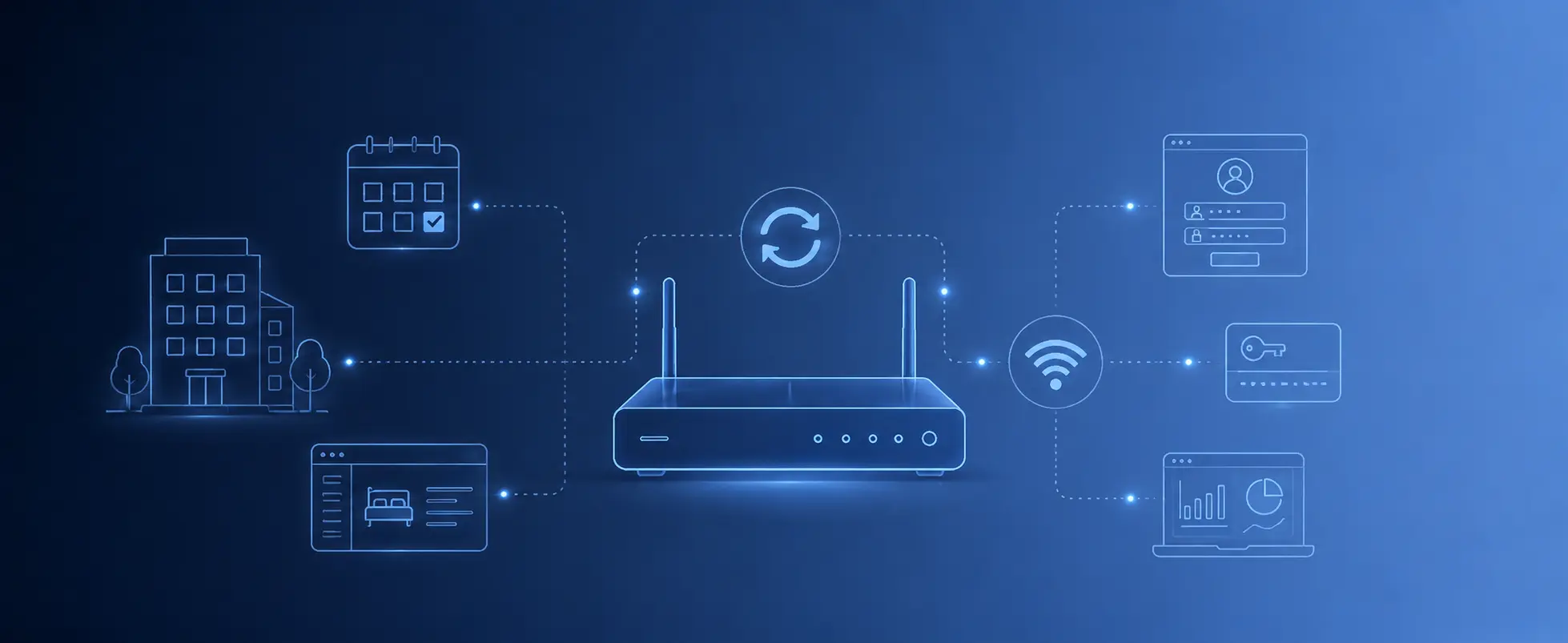
PMS integration for hotel WiFi connects the guest WiFi access system with the hotel’s property management system. Instead of manually creating WiFi codes for every guest, the hotel can use reservation and room data to automate access. Guests can log in with details such as surname and room number, while WiFi access can be created, updated, or removed based on check-in, checkout, room changes, and reservation status.
Why PMS Integration Matters for Hotel WiFi
In a hotel, WiFi access is not just a technical feature. It is part of the guest journey. A guest arrives, checks in, receives a room, connects to the WiFi, and expects everything to work without calling reception.
Without PMS integration, the hotel may need to create vouchers manually, share common passwords, print access codes, or update guest access by hand. This can work for small properties, but it becomes messy when rooms change, guests extend their stay, reservations are cancelled, or the front desk is busy.
With PMS integration, the WiFi system can follow the guest stay more closely. When the guest is active in the hotel system, WiFi access can be available. When the stay ends, access can expire.
The Simple Hotel WiFi Flow
A good hotel WiFi flow should be easy for both the guest and the reception team.
- The guest checks in
The reservation becomes active in the hotel PMS. - WiFi access becomes available
The captive portal can allow login using guest details, such as surname and room number. - The guest connects to the WiFi
The guest opens the WiFi network and sees the hotel-branded login page. - The guest enters their details
The system checks the information and grants access based on the stay. - The guest checks out
WiFi access can expire or be removed based on the PMS data.
This reduces manual work and creates a cleaner experience for the guest.
Room Number and Surname Login
One of the most useful login methods for hotels is room number and surname login. It feels natural because guests already know these details. They do not need to ask for a password, scan a complicated instruction sheet, or keep a printed voucher.
A typical hotel WiFi login page may ask for:
- Surname
- Room number
- Terms of use acceptance
- Privacy policy acceptance
- Optional marketing consent
This works especially well when the WiFi system can compare the entered details with active PMS reservation data. The hotel can offer faster access to real guests while keeping separate options for visitors, restaurant customers, staff, or event attendees.
What Happens at Check-In?
Check-in is where PMS integration starts to become useful. When the guest is checked in, the WiFi system can receive or use the relevant guest stay information. This can include the room number, guest name, arrival date, departure date, and reservation status.
The goal is simple: the guest should be able to connect without reception manually creating a WiFi code.
For the hotel team, this means fewer repeated questions like:
- What is the WiFi password?
- Can you print me another code?
- Why does my voucher not work?
- I changed room. Why does the WiFi not work?
- I extended my stay. Can you update my internet access?
When the WiFi system follows the PMS, many of these issues become easier to handle.
What Happens at Checkout?
Checkout is just as important as check-in. If WiFi access is never removed, old guests may continue using the network after they leave. This can create unnecessary usage, security concerns, and poor control over the guest network.
With PMS integration, access can expire when the guest checks out or when the reservation ends. This keeps the guest WiFi list cleaner and helps the hotel avoid long-term access from old stays.
For hotels with many daily arrivals and departures, this is one of the biggest practical advantages of PMS-connected WiFi.
Room Changes, Extensions, and Cancellations
Hotel operations are not always clean and predictable. Guests change rooms. Stays are extended. Reservations are shortened. Bookings are cancelled. Sometimes a no-show becomes active later, or a guest moves to another room after check-in.
A proper PMS WiFi integration should be able to handle these changes without forcing the hotel team to rebuild WiFi access manually every time.
Common PMS events that may affect WiFi access include:
- New reservation
- Check-in
- Checkout
- Room change
- Date change
- Stay extension
- Stay reduction
- Cancellation
- No-show
- Guest details update
This is where the integration becomes more than a convenience feature. It helps WiFi access stay aligned with real hotel operations.
Manual WiFi Vouchers vs PMS-Based Login
Manual vouchers are still useful. A hotel may need them for visitors, events, restaurant guests, conference rooms, staff, contractors, or special cases. But for regular room guests, PMS-based login is usually more elegant.
Manual WiFi Vouchers
Best for: Visitors, events, restaurants, meeting rooms, and temporary users.
Main advantage: Flexible and easy to issue when the hotel needs quick temporary access.
Room Number and Surname Login
Best for: Hotel guests with active stays.
Main advantage: Simple for guests and connected to the actual reservation or stay.
Free Click-Through Login
Best for: Lobby areas, public zones, and low-friction guest access.
Main advantage: Fast access with minimal steps for the guest.
Paid WiFi Access
Best for: Premium internet plans, extended access, or external users.
Main advantage: Allows the hotel to monetize faster or extended WiFi access.
The best hotel WiFi setup usually supports more than one login method. PMS login can serve room guests, while vouchers and other flows can serve everyone else.
What the Guest Sees
From the guest side, the process should feel simple. They connect to the hotel WiFi network, the login page opens, and they enter the required details. The page should look like it belongs to the hotel, not like a generic router screen.
A good hotel captive portal page should include:
- Hotel logo
- Clear welcome message
- Room number and surname fields
- Terms and privacy links
- Simple instructions
- Optional language options
- Alternative access methods when needed
The login should not feel like a technical obstacle. It should feel like part of the hotel service.
How PMS WiFi Integration Helps Reception
Reception teams deal with enough tasks already. WiFi should not become another repetitive support job. PMS integration helps reduce small interruptions that add up during the day.
For the hotel team, the benefits are practical:
- Fewer manual WiFi codes
- Less time explaining passwords
- Access connected to the guest stay
- Easier handling of checkout and expiration
- Cleaner process for room changes
- Better separation between guests and visitors
- More professional guest onboarding
This does not remove the need for good support and good network design, but it removes a lot of avoidable manual work.
Network Control Still Matters
PMS integration controls who should be allowed to log in, but the network still needs proper rules. A hotel should not only authenticate guests. It should also manage what kind of access they receive.
A professional hotel WiFi system should still support:
- Guest network isolation
- Speed limits
- Session limits
- Access expiration
- Visitor and staff access separation
- Bandwidth management
- Firewall rules
- Analytics and usage visibility
The PMS integration improves the login process. The captive portal gateway controls the actual guest WiFi behavior.
Works with Existing Hotel Access Points
A PMS-connected WiFi system does not always require replacing the hotel’s access points. In many deployments, the access points continue to provide wireless coverage while the captive portal gateway handles guest login, PMS authentication, vouchers, and access rules.
This is important because many hotels already have good WiFi coverage but poor guest access management. In that case, the hotel may not need a full wireless rebuild. It may need a better guest WiFi control layer.
This approach can help hotels:
- Keep existing access points
- Add PMS-based WiFi login
- Improve the captive portal experience
- Control access from the gateway level
- Upgrade guest WiFi without replacing the full network
The access points provide the signal. The gateway manages the guest access logic.
Supported PMS Integration Options
PMS integration depends on the hotel system, available API or webhook options, and the captive portal gateway configuration. Some PMS platforms support more advanced integrations, while others may require a simpler connection method.
Common integration approaches include:
- API-based integration
- Webhook-based integration
- Reservation event updates
- Guest list synchronization
- Room and stay validation
The exact setup depends on the PMS provider and the hotel’s operational needs. A hotel should confirm which PMS platforms are supported and what events can be used for WiFi access.
PMS-Connected Hotel WiFi Access
WAVER supports PMS integration options for hotel guest WiFi. These integrations are designed to help hotels automate guest WiFi access using reservation and stay information.
Depending on the platform and configuration, PMS integration can support workflows such as:
- Creating guest WiFi access from reservation data
- Updating access when dates or rooms change
- Removing or expiring access after checkout
- Supporting room number and surname login
- Reducing manual voucher handling at reception
This gives hotels a more automated way to connect WiFi access with the guest stay.
Privacy, Terms, and Consent
Hotel WiFi access may involve guest data. This can include names, room numbers, login timestamps, device identifiers, stay validity, voucher usage, email addresses, phone numbers, or marketing consent. The hotel should handle this data carefully.
The captive portal page should clearly show the terms of use and privacy policy. If marketing communication is enabled, the guest should have a clear consent option where required.
Good practice includes:
- Clear terms before WiFi access
- Visible privacy policy link
- Optional marketing consent
- Controlled access to guest records
- Data minimization
- Secure guest network separation
- Responsible retention of access records
PMS integration should make the guest experience easier, but it should also be implemented with responsible data handling.
When PMS Integration Is Worth It
Not every small property needs PMS integration from day one. A very small guest house may manage with simple vouchers or a basic login page. But once guest turnover increases, manual WiFi management becomes annoying quickly.
PMS integration is especially useful when:
- The hotel has many daily check-ins and checkouts
- Reception spends time creating or explaining WiFi codes
- The hotel wants room number and surname login
- WiFi access should expire after checkout
- Guests often change rooms or extend stays
- The hotel wants to reduce shared password usage
- The property wants a more professional guest WiFi flow
The larger or busier the property is, the more valuable automation becomes.
Why Use WAVER for PMS-Integrated Hotel WiFi?
WAVER provides gateway-based captive portal devices for professional guest WiFi deployments. For hotels, WAVER can combine branded login pages, room-based access, vouchers, guest isolation, analytics, and supported PMS integration options into one guest WiFi control layer.
WAVER can help hotels:
- Offer room number and surname WiFi login
- Connect WiFi access with supported PMS platforms
- Reduce manual voucher creation for regular guests
- Use vouchers for visitors, events, and special access
- Apply speed and session limits
- Separate guest traffic from internal hotel systems
- Work with existing hotel access points
- Show branded captive portal pages
- Use guest analytics and marketing tools
- Operate core captive portal features locally from the gateway
This makes WAVER a practical option for hotels that want a better guest WiFi login experience without rebuilding the full wireless infrastructure.
FAQ – Frequently Asked Questions
What is PMS integration for hotel WiFi?
PMS integration for hotel WiFi connects the guest WiFi system with the hotel property management system. It can help automate guest access based on reservation, room, check-in, checkout, and stay information.
Can guests log in with room number and surname?
Yes. A hotel captive portal can support room number and surname login when the WiFi system has access to the required guest stay data through manual records or PMS integration.
Does PMS integration remove the need for WiFi vouchers?
No. PMS integration is useful for regular hotel guests, but vouchers are still useful for visitors, events, restaurants, staff, contractors, and special access cases.
Can WiFi access expire after checkout?
Yes. When supported by the PMS integration and configuration, guest WiFi access can expire or be removed after checkout or after the reservation end date.
Can PMS-integrated WiFi work with existing access points?
Yes. In many deployments, existing access points continue to provide wireless coverage while the captive portal gateway manages PMS login, vouchers, and access rules.
Is PMS integration required for hotel guest WiFi?
No. Hotels can use vouchers, email login, click-through login, or other methods. PMS integration is recommended when the hotel wants room-based access automation and less manual work at reception.
Which PMS platforms does WAVER support?
WAVER supports PMS integration options for selected hotel systems. Availability and features depend on the PMS platform, API access, webhook support, and integration configuration.
Final Thoughts
PMS integration makes hotel WiFi feel more connected to the actual guest stay. Instead of managing passwords and vouchers manually for every room, the hotel can let the WiFi system follow check-in, checkout, room changes, and reservation updates.
For hotels that want a cleaner guest experience, less reception workload, and better control over active guest access, PMS-integrated hotel WiFi is a strong upgrade.
WAVER provides gateway-based hotel guest WiFi with branded captive portal pages, room number and surname login, vouchers, guest isolation, analytics, supported PMS integrations, and local access control from the gateway level.